

Watching a parent grow older brings a quiet worry. You want them to keep their independence. You also want to know they are safe when you are not there. That balance comes up in many family conversations.
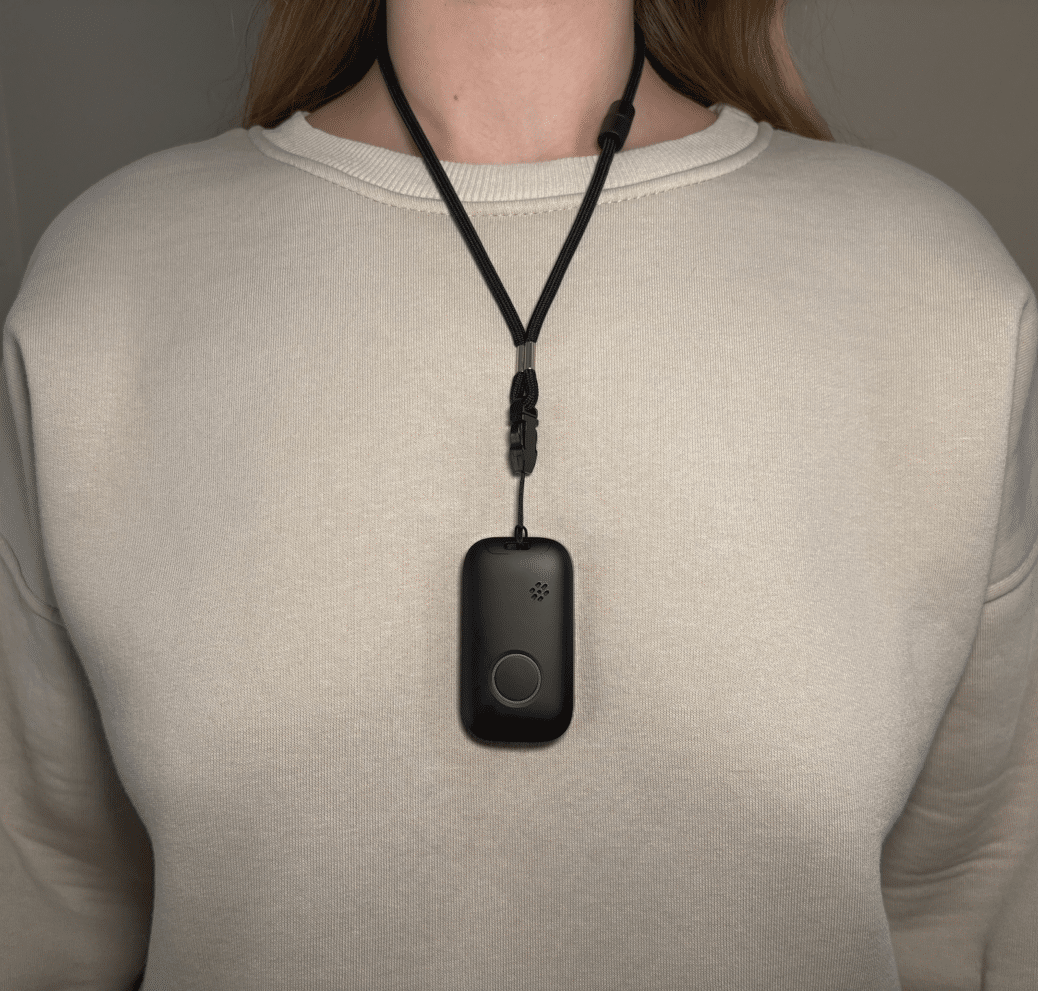
One practical answer is a medical alarm. Many adult children now look into personal safety alarms for aging parents as a first step. These small devices can call for help at the press of a button. Brands such as Life Assure design them for older adults who live on their own.
Life Assure is a Canadian company, and its monitoring service is available to customers in Canada only.
What Makes Families Start Thinking About a Medical Alarm?
The decision rarely arrives overnight. It builds from small moments. A near miss on the stairs. A slow recovery after illness. A parent who now lives alone after losing a partner.
Falls are the most common trigger. Around 1 in 3 older adults has a fall each year. Sensible advice on preventing falls can lower that risk at home. A personal alarm then adds a safety net for the times a fall still happens.
The worry often peaks when you live far away. A quick daily phone call helps, yet it cannot catch a fall at 3am. A monitored device fills that gap without you hovering.
What Does a Modern Personal Alarm Actually Do?
Today’s devices do far more than the pendant button of the past. Most combine several tools in one small unit. Here is what a current model offers.
- Fall detection. A motion sensor spots a hard fall and raises an alert on its own.
- Two-way voice. A speaker and microphone let a trained operator talk to your parent straight away.
- GPS location. The device works in the garden, on a walk, or at the local shops.
- Mobile connection. A built-in SIM means it does not rely on home Wi-Fi.
- Water resistance. Many units can be worn in the shower, where falls often happen.
Each feature has one job. It shortens the time between a problem and real help arriving.
Which Type of Alarm Suits Your Parent?
The right device depends on how your parent lives day to day. There is no single best answer. Match the tool to the routine.
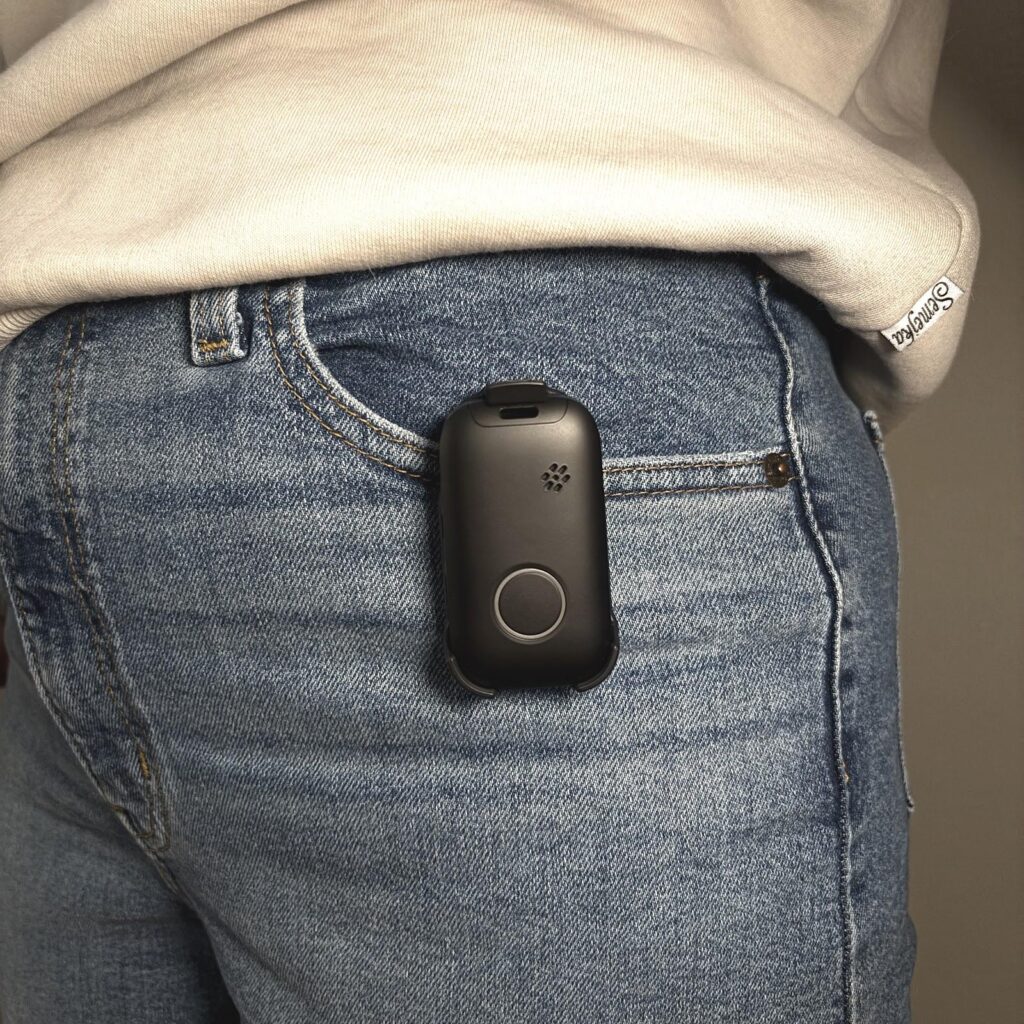 Image courtesy of Life Assure
Some parents rarely leave the house now. A home base unit may suit them well. It typically covers about 300 metres around the base. Others still drive, garden, and meet friends. A mobile device with GPS fits an active life far better.
Think about comfort too. A lightweight pendant or a slim wristband gets worn. A bulky gadget ends up in a drawer. General home safety guidance from Better Health Channel can help you spot hazards before you choose a device.
How to Talk to Your Parent About It
This part is often harder than the shopping. Older parents can hear a safety talk as a hint that they are failing. Framing matters a great deal.
Lead with your own feelings, not their limits. Saying “I would worry less” lands softer than “you need this”. Bring it up on a calm day, not straight after a scare.
Let your parent make the final call. Show them two options and let them pick the colour and style. That sense of choice keeps their dignity intact. It also makes them far more likely to wear the device every day.
Keeping Your Parent Active and Involved
A safety alarm is only one part of the picture. Staying social keeps older parents well too. The two goals support each other.
Invite them along on easy family outings. A grandparent can enjoy a slow morning at a spot like these winter days out at Whiteman Park. The gentle pace suits every energy level in the group.
School breaks are another simple win. Our list of school holiday ideas around Perth has plenty of low-key options. Shared time like this often makes the safety talk feel natural rather than forced.
What Should You Check Before You Buy?
Take your time comparing providers. A few simple questions can save money and stress later. Write them down before you call around.
- Ask how quickly the monitoring centre answers, ideally within 30 seconds.
- Check the battery life, as some units run 5 to 7 days per charge.
- Confirm the alarm covers your parent’s usual routes and any travel.
- Read the fine print on fees, returns, and cancellation.
A 30-day trial period is a good sign. It lets your parent test the fit and comfort at home first. If the device feels right, they are far more likely to keep it on.
Key Points for Adult Children
- A personal alarm calls for help fast, even when nobody else is nearby.
- Falls are the top reason families start looking, so act before a crisis.
- Match the device type to your parent’s routine, whether home-based or mobile.
- Choose a comfortable, discreet design that your parent will actually wear.
- Raise the topic gently and let your parent share in the decision.
Frequently Asked Questions
Do Personal Alarms Work Outside the Home?
Yes, mobile models use GPS and a cellular connection. They work anywhere with network coverage, including the garden, the street, and the shops. Home-only units stay within range of their base station.
Will My Parent Be Locked Into a Long Contract?
Many providers now offer flexible monthly plans with no lock-in. Costs often run from $30 to $50 per month. This lets your family pause or cancel if needs change. Always confirm the terms and any setup fee before you sign.
What Happens if the Button Is Pressed by Accident?
The operator simply opens the two-way voice channel and checks in. Your parent can say it was a mistake, and the alert stands down. Reputable providers never charge for a false alarm.
Can My Parent Wear the Device While Showering?
Most modern alarms are water resistant and safe for shower use. This matters because the bathroom is a high-risk room for falls. Check the water rating listed for the specific model.
A Calmer Way to Support an Ageing Parent
A medical alarm will never replace a visit or a phone call. It is not meant to. It is the quiet piece of kit that lets the worry fade into the background.
Your parent keeps their independence. You get to relax a little. The device quietly does its job, so your family can carry on being a family.
- About the Author
- Latest Posts